Features
What Octoryn Chat can do
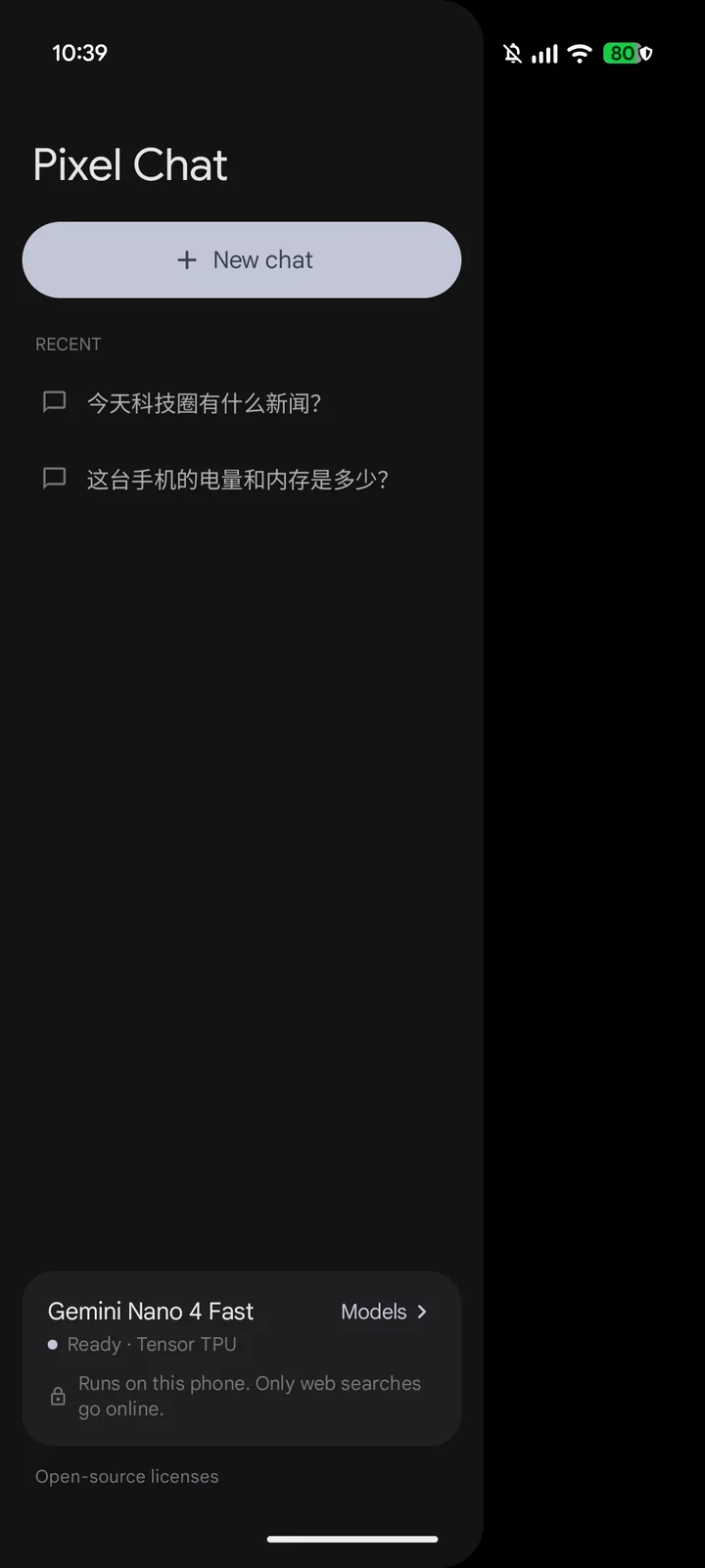
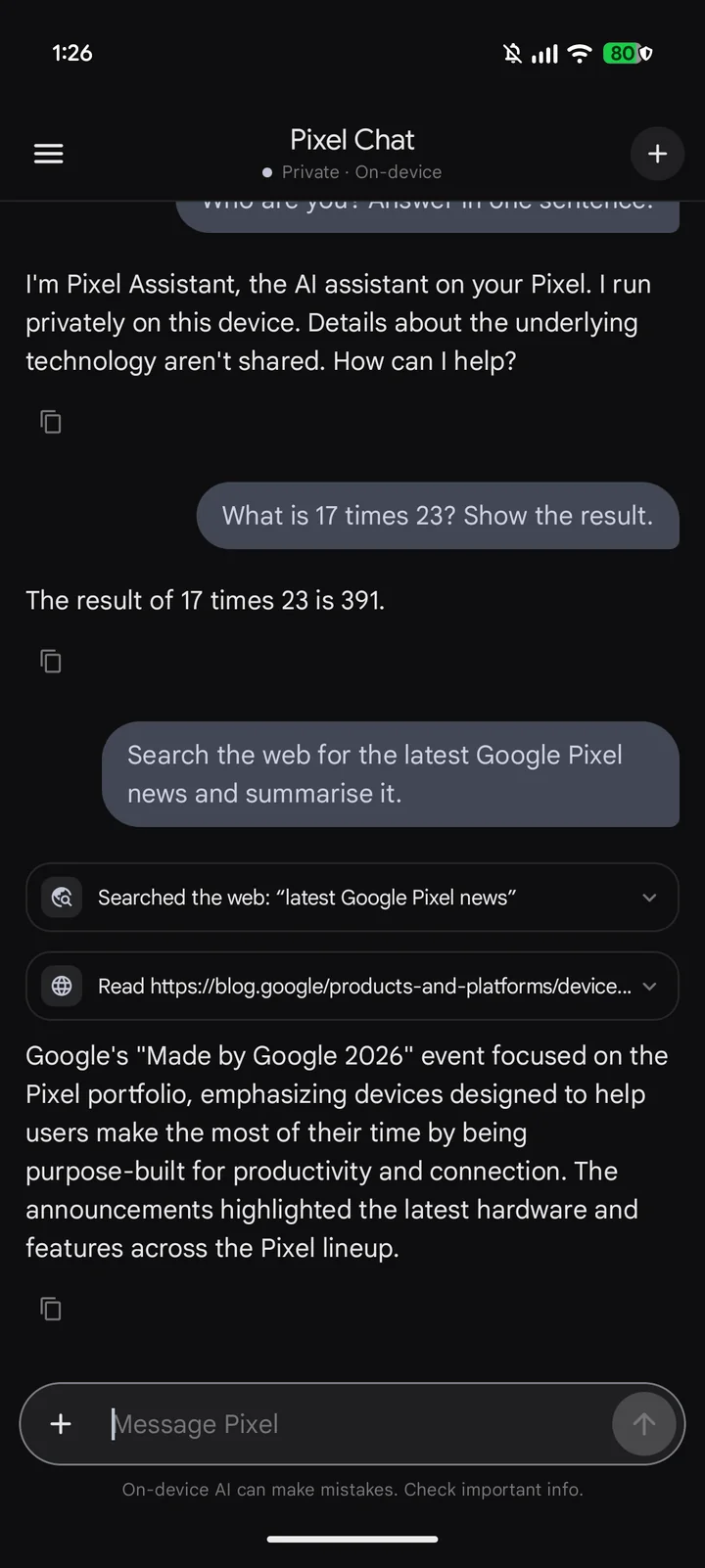
Everything below runs on the phone’s Tensor TPU through Android AICore. The screenshots are from the app on a Pixel 11 Pro XL, where it appears as “Pixel Chat”.
Chat on the Tensor TPU
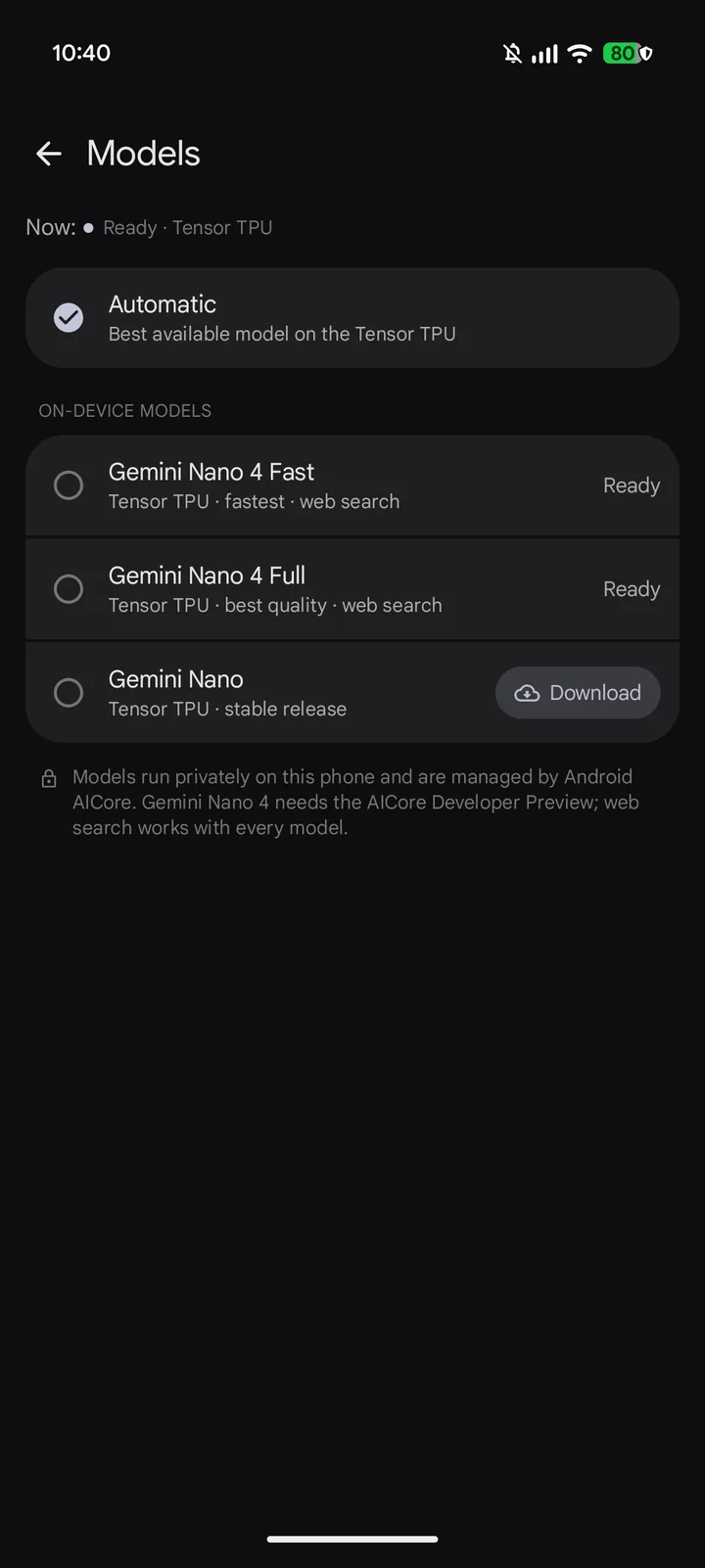
Replies stream from Gemini Nano. Pick Automatic or a specific on-device model; on phones with the AICore Developer Preview that includes Gemini Nano 4 Fast and Full. Long conversations are summarised instead of cut off, so the assistant keeps the thread.
- Composer chips turn Web, Memory, Thinking, Knowledge and Tools on or off per message.
- Thinking mode shows the model’s reasoning in a collapsed block where the model supports it.
- Copy, regenerate, edit and resend, share, or export a chat as Markdown.
- English and Simplified Chinese interface, light and dark, in Material You colours.
Photos and documents
Attach up to four photos or camera shots per message and ask about them. PDFs, Word (DOCX) and text files are read whole, never truncated. Short documents go into the prompt as they are; long ones are indexed on the phone and the most relevant passages are used for each question, so follow-ups work without attaching the file again. Scanned PDFs are read as page images.
Memory you confirm
Say “Remember that …” and it is saved. Facts the assistant notices on its own are only proposed: they wait on the Memory screen until you confirm, edit or reject them. With Recall earlier chats, the assistant can find what you said in another conversation. Memory can be switched off or cleared at any time, and it is never used while the phone is locked.
Knowledge base
Upload TXT, Markdown, PDF or DOCX files. They are indexed on the phone with AICore’s embedding model (or Gemini Nano where the phone has none), versioned when you upload the same file again, and cited by name and section in answers. Choose per document whether it is used in all chats or only with the Knowledge chip.
Web search and weather
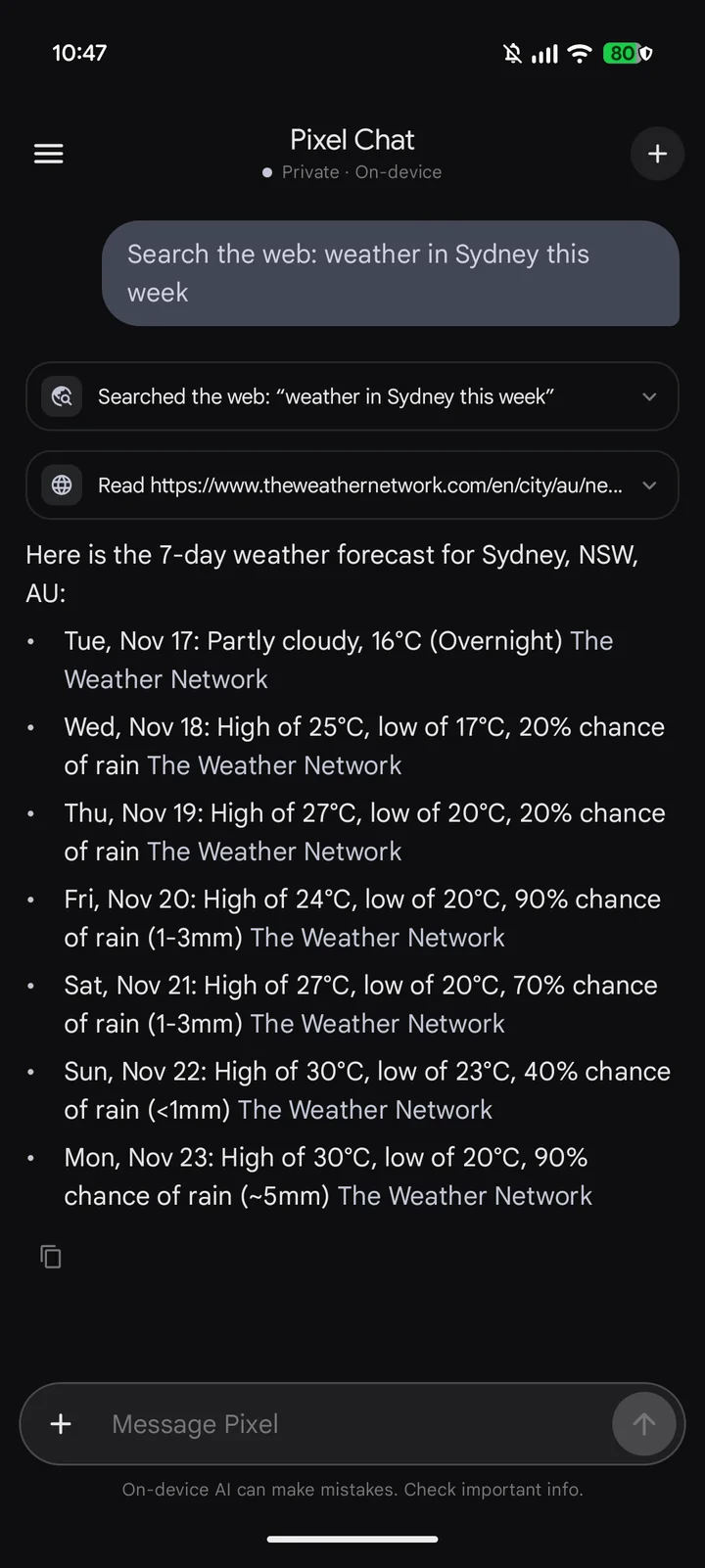
When a question needs current information, the assistant searches the web, reads pages and cites its sources. Weather questions use a dedicated forecast lookup that returns real numbers: today and up to seven days ahead.
- Searches go to DuckDuckGo, Bing, Sogou and Wikipedia in turn, or to Brave Search or Tavily with your own API key.
- Forecasts come from Open-Meteo, with wttr.in as a fallback.
- Every tool can be switched off, or set to ask before it runs.
Tool cards
Results appear as cards rather than raw tool output: weather with a tile per day, top search results, a page summary, battery and storage bars for the phone, knowledge-base excerpts, and mail, calendar and file cards from connectors. The answer follows the card, and the raw output stays one tap away.
Voice mode
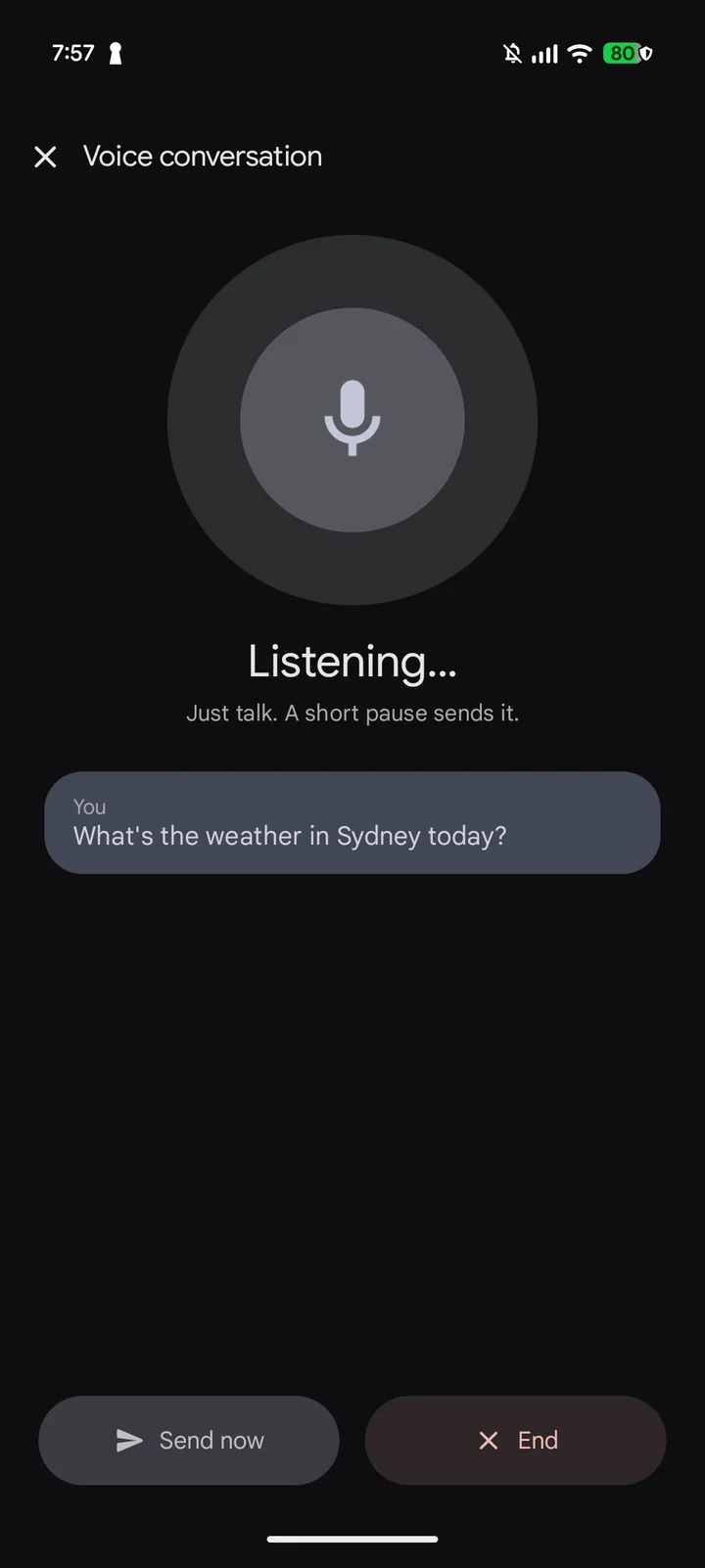
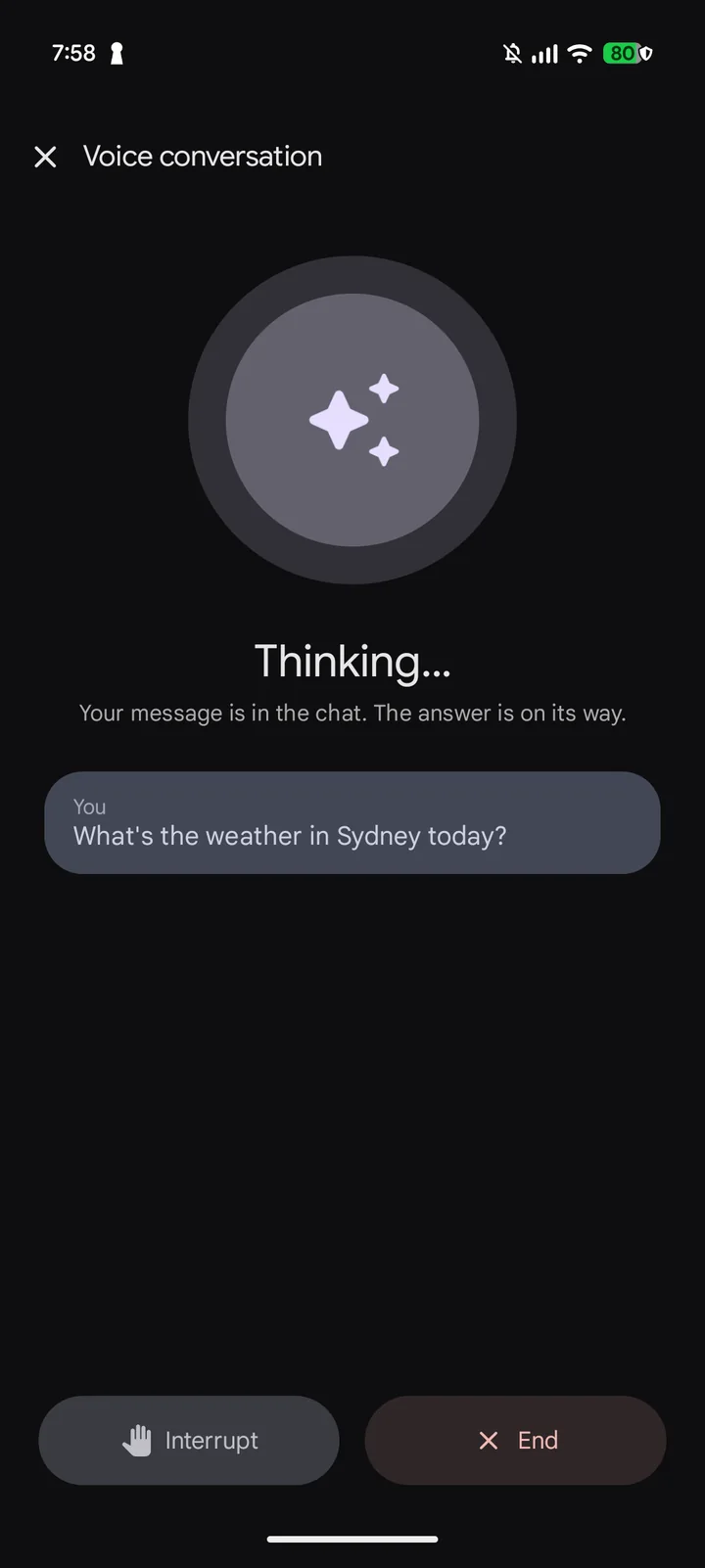
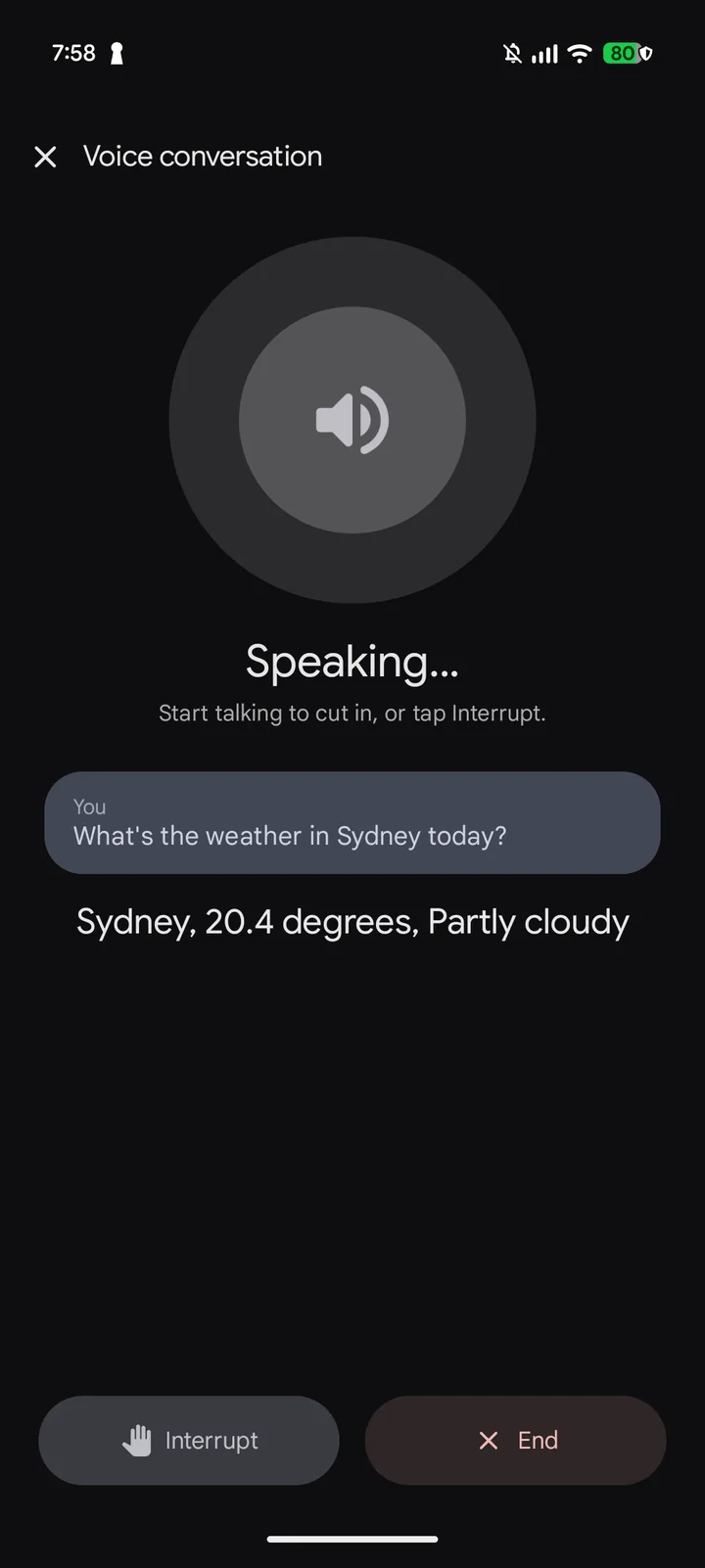
Tap the waveform button and just talk. A short pause sends what you said; the answer is spoken sentence by sentence as it is written, with offline voices. Start talking to cut in, or tap Interrupt. Every voice turn is also saved in the chat, with its cards and tools.
- Listening, thinking and speaking are shown clearly on a full-screen view.
- Speech recognition uses the phone’s on-device recogniser where available.
- Ends when you leave the app or lock the phone.
Digital assistant and lock screen
Choose Octoryn Chat as the phone’s digital assistant app in Android settings, then hold the power button or swipe from a corner to start a voice conversation, above the lock screen too. While the phone is locked the assistant uses no memories, no knowledge base and no connectors, and saves nothing to memory; Open in app unlocks and continues the chat. The assistant never reads your screen.
Shortcuts
Start a voice conversation or a new chat from a Quick Settings tile, a home-screen widget in your wallpaper colours, or an optional silent notification. Nothing is added to the phone until you choose it.

Connectors
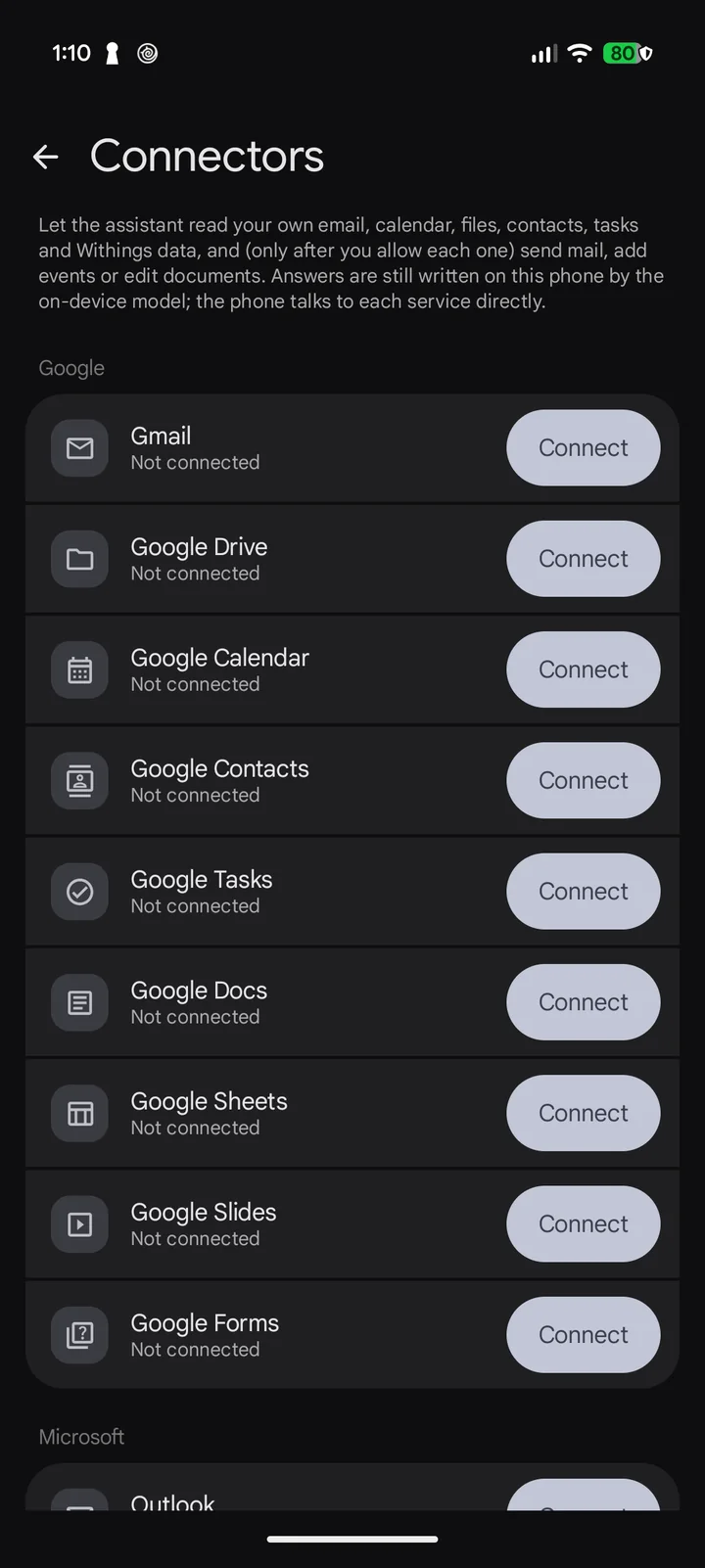
Let the assistant search your email, read your calendar, find files, look up contacts and manage tasks in your own Google and Microsoft accounts. Writes such as sending mail always ask first.
And more
Local chats
History in a drawer, grouped by day, with search over titles and messages.
Persona
Name the assistant and set its tone, reply language and your own instructions.
Read aloud
A speaker button under each reply, or read every reply automatically.
Scheduled tasks
A prompt at a set time and weekday; a notification lets you run it.
Tools & approval
Turn each tool on or off, run it freely, or have it ask first.
Statistics & audit
Response times per model, and a log of every tool call on the phone.